image image image
RokGallery is an advanced photo gallery solution for WordPress, that rests on a custom tagging architecture, combined with native application slice editing. Gallery Styling: the theme has integrated styled for the main Gallery pages Administrator: select the main background image via the RokGallery interface Slideshow: use RoKGallery's slideshow to rotate between main background images Grid Layout: the RokGallery widget, in Grid mode, also benefits from styled suppor. [loadposition id="fp-rokgallery"]
http://youtu.be/byhueydOIIY Här är en videoteaser inför Nationaldagseventet i Södertälje 2012.
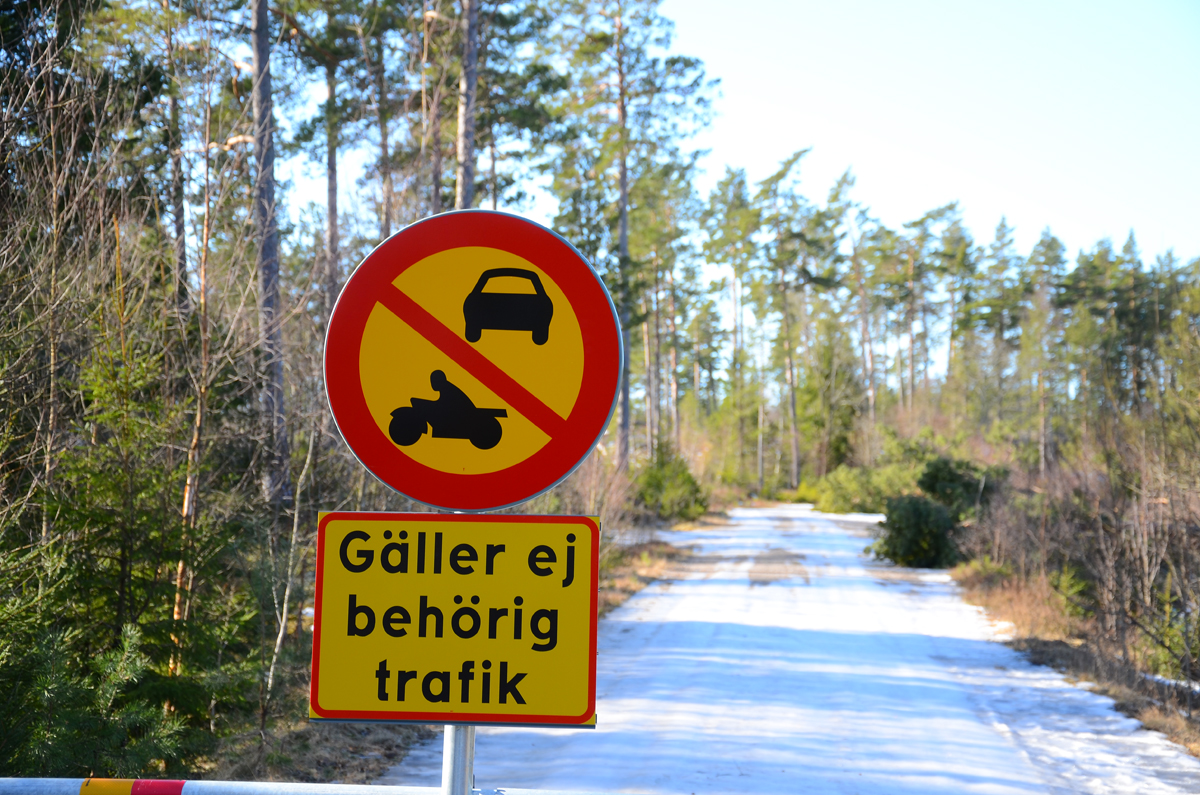
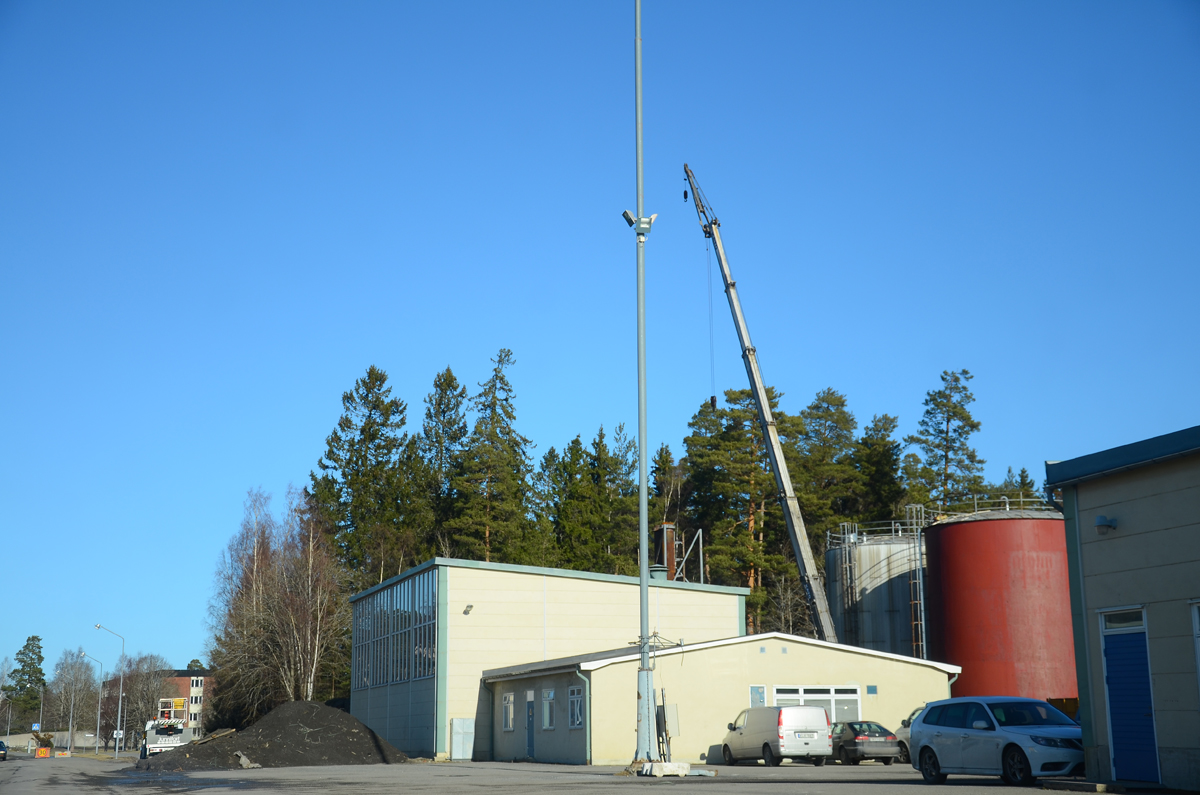
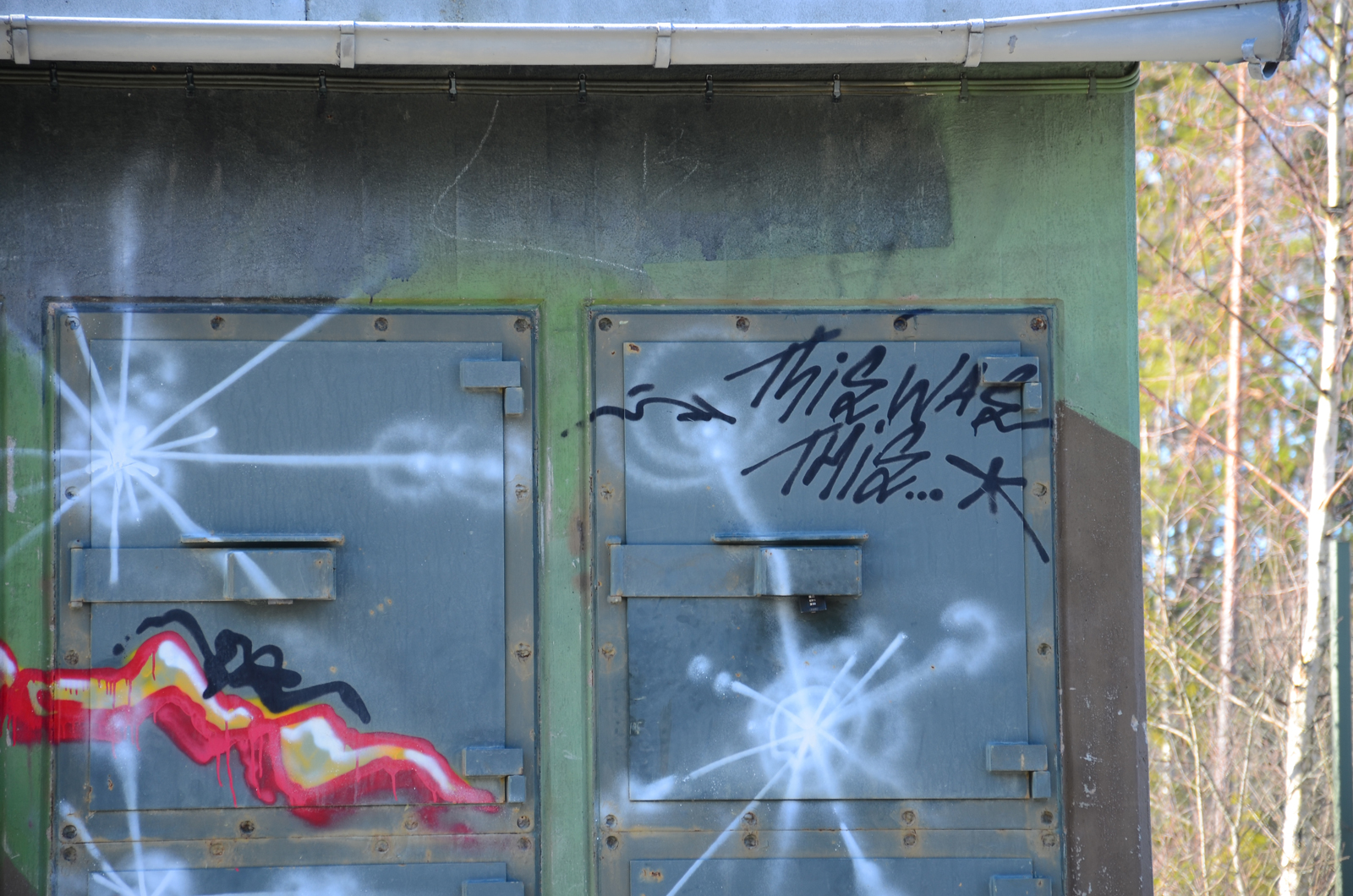
[caption id="attachment_1000" align="alignnone" width="600" caption="Stopp och belägg"][/caption] När vi planerade nationaldagseventet i Södertälje så fann vi en guldgruva i Ing1's gamla område ute vid Almnäs. Stora övergivna områden, spännande lämningar i naturen, bunkrar, skjutbanor, broar och förråd bara för att nämna något. Alla hade vi väl i bakhuvudet att området i sig är ämne för exploatering. Södertälje kommun har planer på utnyttjande av området och det finns många förslag. När vi var i området och rekade för cacher så var alla vägar kors och tvärs helt öppna. Inga problem att ta sig med bil runt till de flesta platserna. Ännu under eventet och långt in på sommaren så var det fritt fram. Under sensommaren och tidig höst började det dock hända saker. Vägar stängdes med bommar och eller stenbumlingar. En del förråd och områden tömdes och röjdes så att bl a förutsättningarna för min cache Ing1 Sprängmedel försvann så jag arkiverade den. Läs mer här [caption id="attachment_994" align="alignnone" width="600" caption="Twin Peaks har blivit No Peaks"][/caption] Nu har även TT#12 Twin Peaks fått arkiveras pga ändrade förhållanden ute på området. Det är väl bara att räkna med att området inom de närmsta åren kommer att förändras mycket och att ett antal cacher kommer att försvinna av naturliga skäl. Vi hoppas ändå att detta lilla Disneyland för geocachare även i fortsättningen kan ge en del nöje i alla fall. [caption id="" align="alignnone" width="600" caption="drpeel i TwinPeaks när det begav sig."][/caption]   [caption id="attachment_1004" align="alignnone" width="600" caption="This was this"][/caption]

RokStories

RokStories

RokStories is a functional showcase widget for displaying content items and their accompanying images in an interactive and versatile manner.

Configuration

This is a breakdown of all the configuration options of RokStories Widget Options:

Layout: You can select between couple of RokStories layouts that were used in different themes.

Type of Query: You can choose whether RokStories should display posts or pages.

Posts Category: You can choose from which category posts should be displayed.

Max Number of Articles: Sets maximum number of posts/pages to display in widget.

Order: Sets the order in which posts should be displayed.

Image Position: You can choose on which side of the post content image should appear.

Display Article Title: Displays/hides the post/page title.

Display Article Date: Displays/hides the post/page creation date.

Display Article Content: Displays/hides the post/page content.

Type of Content: You can choose which part of post content should be displayed – content or excerpt.

Display ‘Read More’ Button: You can choose if articles should display ‘Read More’ links.

Image Dimensions: Here you can specify dimensions of the main image.

Thumbnail Dimensions: Here you can specify dimensions of the thumbnails.

RokStories Fixed Height: Sets the fixed height of the RokStories.

Thumbnail Container Size: Sets the width of the thumbnails container.

First Article: You can choose with what article number RokStories should begin.

Thumbs Opacity: Here you can specify the thumbnail opacity ie. 0.4 or 0.8

Interaction: Sets the mouse interaction with RokStories – click or mouse over.

Autoplay: Enables automatic slide changing.

Autoplay Delay: Sets the amount of time between slide change.

Show Label Title: Displays/hides the post/page title label.

Show Previews on Arrows: Displays/hides the thumbnails over next/previous arrows.

Linked Labels: Here you can choose if the label should link to your article content.

Linked Images: Here you can choose if the image should link to your article content.

Image Arrows: Displays/hides the next/previous arrows.

Show Mask: Displays/hides image mask.

Description Animation: Sets the description animation for masked content.

[div class="attention" class2="typo-icon"]Some of the options are working only with certain layouts.[/div]

Download

There are two places to download the Momentum Plugins from:

  • Momentum: the rt_momentum_wp-plugins.zip (unzip first) contains all the plugins used for Momentum.
  • Plugins: the individual plugins are available from the Plugins section of RokDownloads.
Download Now

Documentation

All our Plugins have informative details located under the Plugins menu on this demo site. Here you will find general information on the plugin, its features, screenshots, installation instructions and any relevant documentation pertaining to use, configuring or customizing the plugin.

Support

If you are a WordPress Club Member, you can access the boards of our Community Forum. Browse through previously answered questions, or post your questions for resolution.

View Forum